
In this comprehensive post, we will delve into the specifics of letter bending machine training in Brisbane, QLD. We utilized the impressive JDA08 letter bending machine produced by Jiading machinery from China for this training project.
For more insights on similar letter bending projects completed in collaboration with PDMach, feel free to explore the details in these posts: Machine Calibration and Bending and Welding Processes.
The letter bending machine’s laser welding capabilities were highlighted in the previous sessions, showcasing its effectiveness and precision.
Overview of Letter Bending Machine Training in QLD
To kick off our training on the channel letter bending machine, we focused on general settings, starting with knife bending and knife gain adjustments. This process was facilitated with the knife calibration file located in the “Parameters” menu. It is important to select the outer picking option for right knife bending and the inner picking for left knife bending. Subsequently, a knife gain test is essential, which requires conducting a total of four tests across all sections.
Specialized Training for Bending Apple Sign
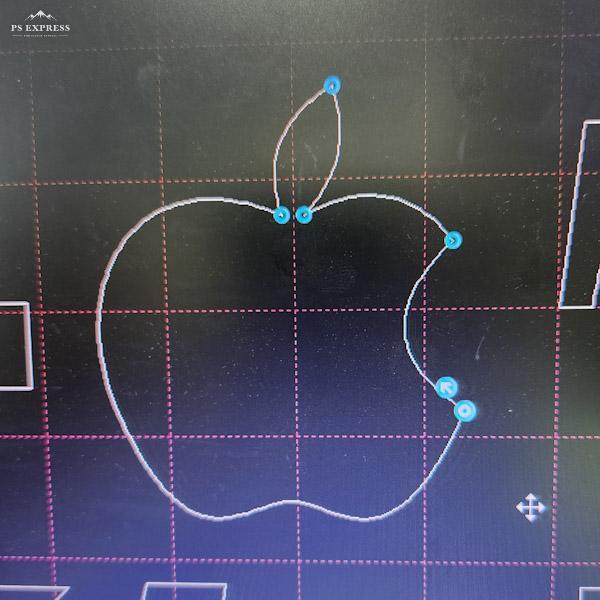
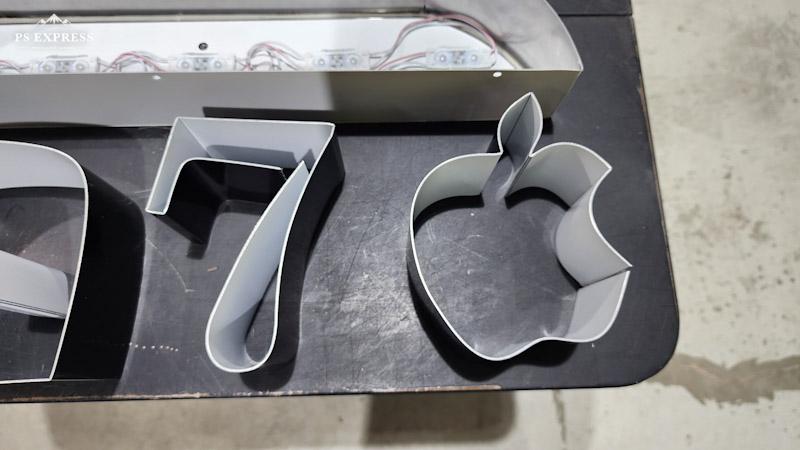
During the training for creating the Apple sign, we encountered an issue with aluminum sections not slotting properly at the sharp edges, which caused difficulties in achieving the desired sharp bends.
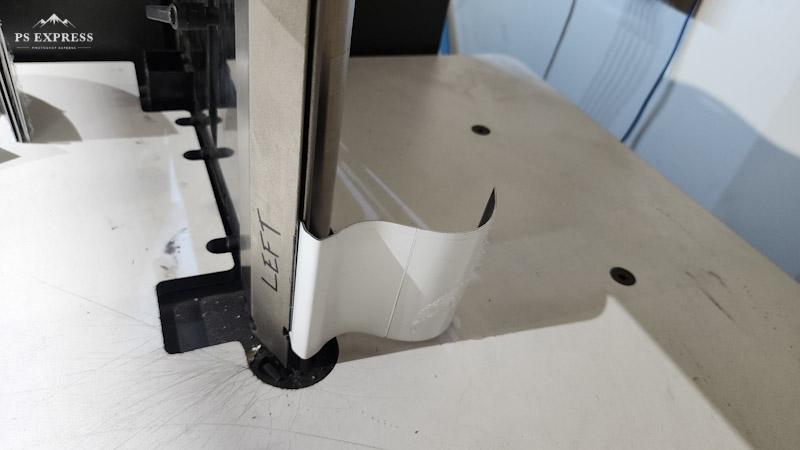
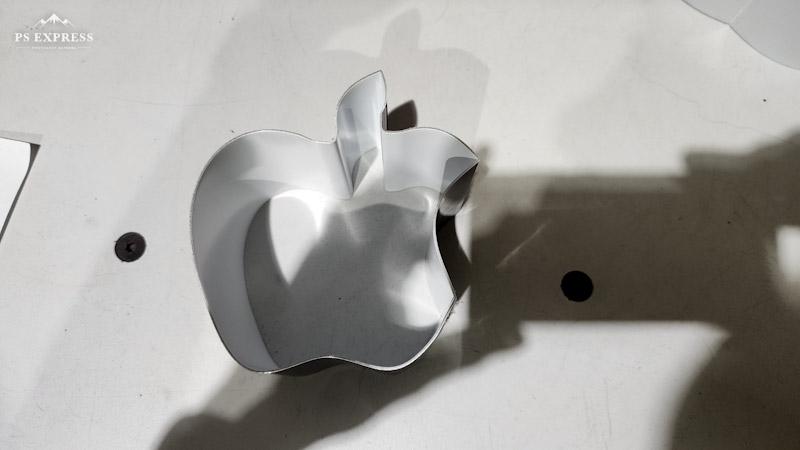
This issue led to interruptions during the bending process, causing unexpected machine stops due to knife engagement problems.
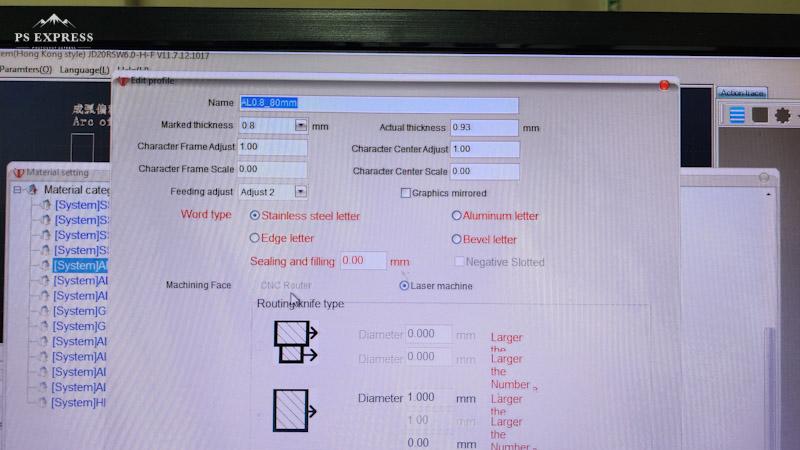
We ultimately resolved the issue by selecting stainless steel in the material settings for the affected sections. While we initially performed bending and gain tests under the aluminum category, switching to stainless steel for material settings rectified the calculation issue dramatically.
Understanding Slotting Bending Ratio
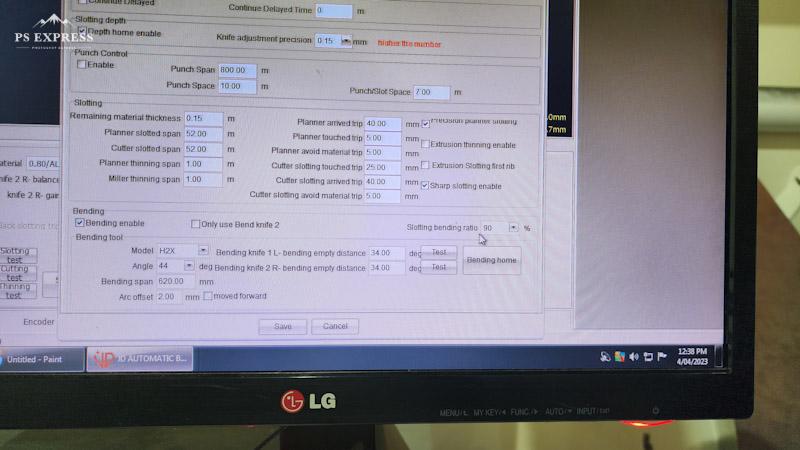
The parameters settings include an essential feature called “Slotting bending ratio.” If this is set to 0, the machine fails to bend straight slots when processing the channel, resulting in the material being expelled straight without proper shaping.
For achieving output that closely resembles your design file, consider setting the “Slotting bending ratio” to values such as 80% or 90%.
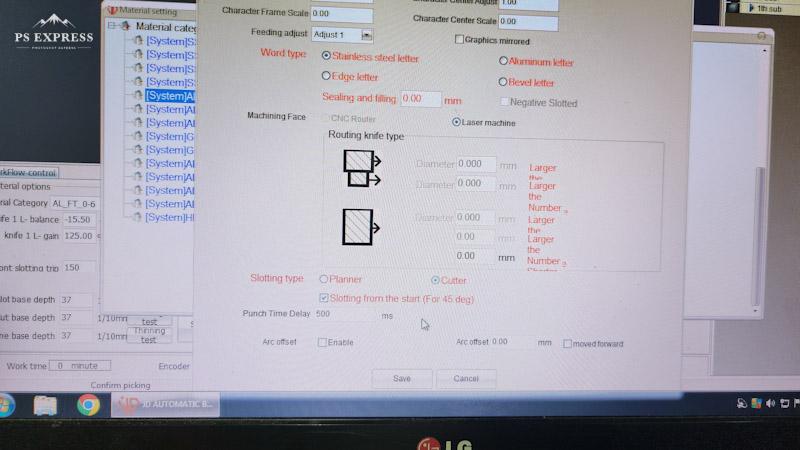
If you wish to ensure your first section is correctly slotted at 45 degrees, enable the “Slotting from the start (For 45 deg)” option. This adjustment adds approximately 20mm to the beginning of your letter.
Advanced Calibration Techniques for Letter Bending Machines
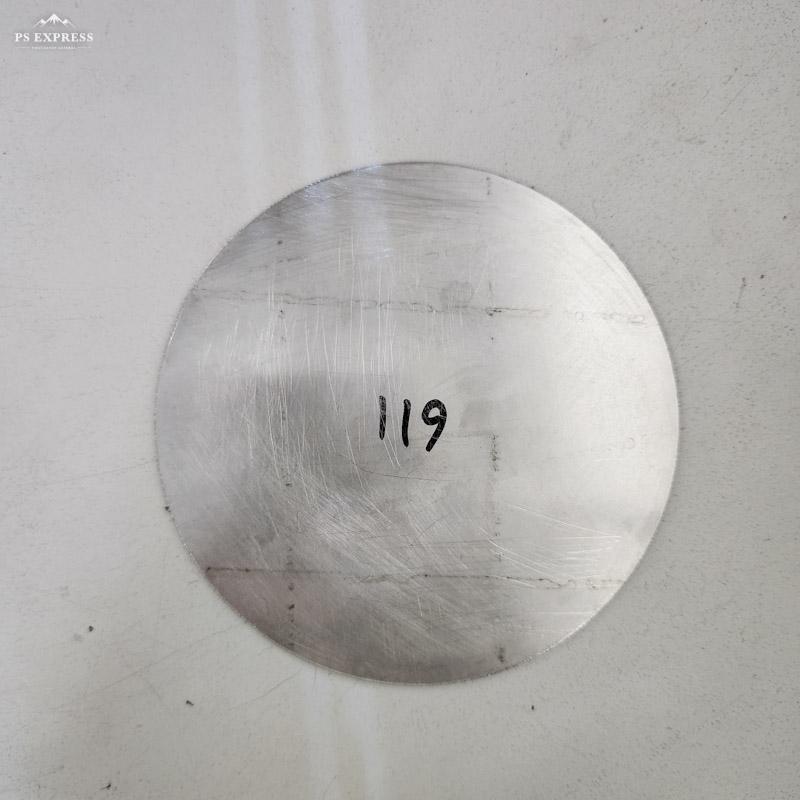
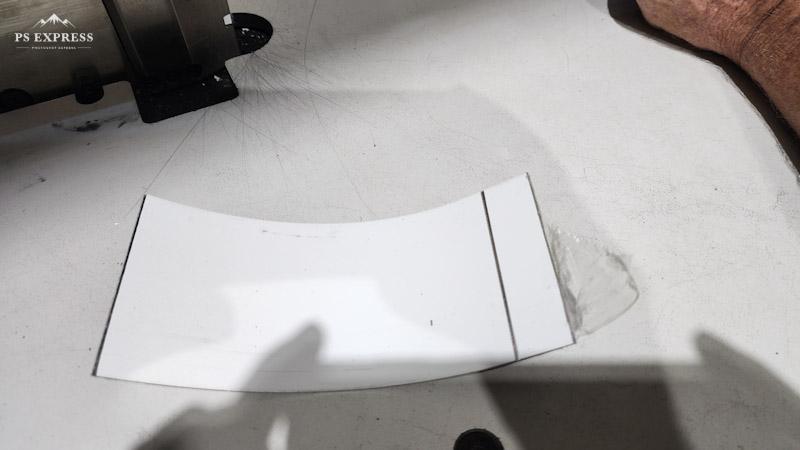
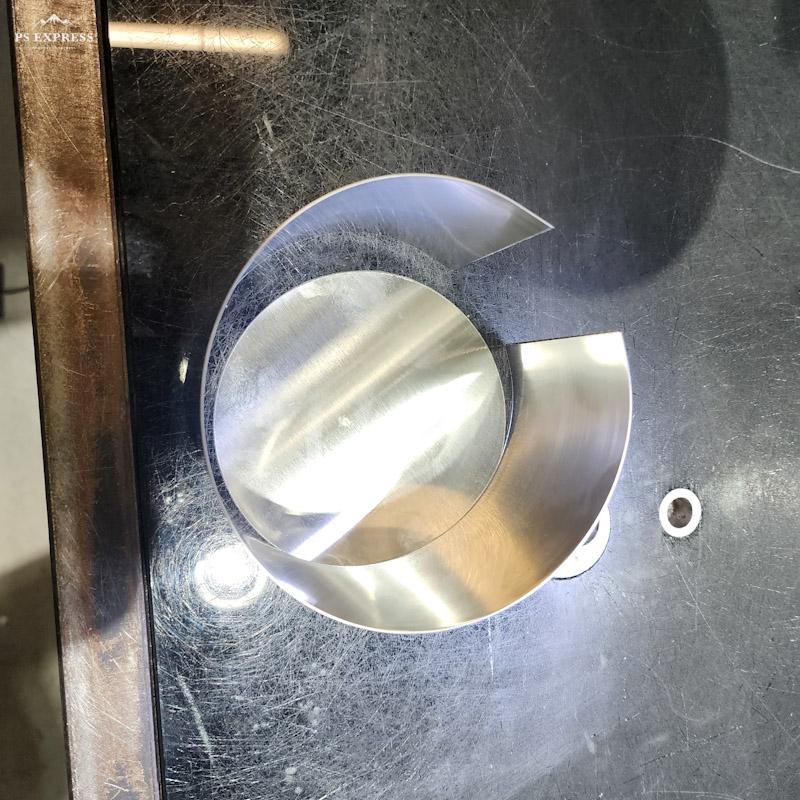
Following the bending and length calibration tests, a valuable suggestion is to process a round piece for comparison purposes, ensuring the base and returns are aligned accurately.
Character Frame Scaling for Improved Outputs
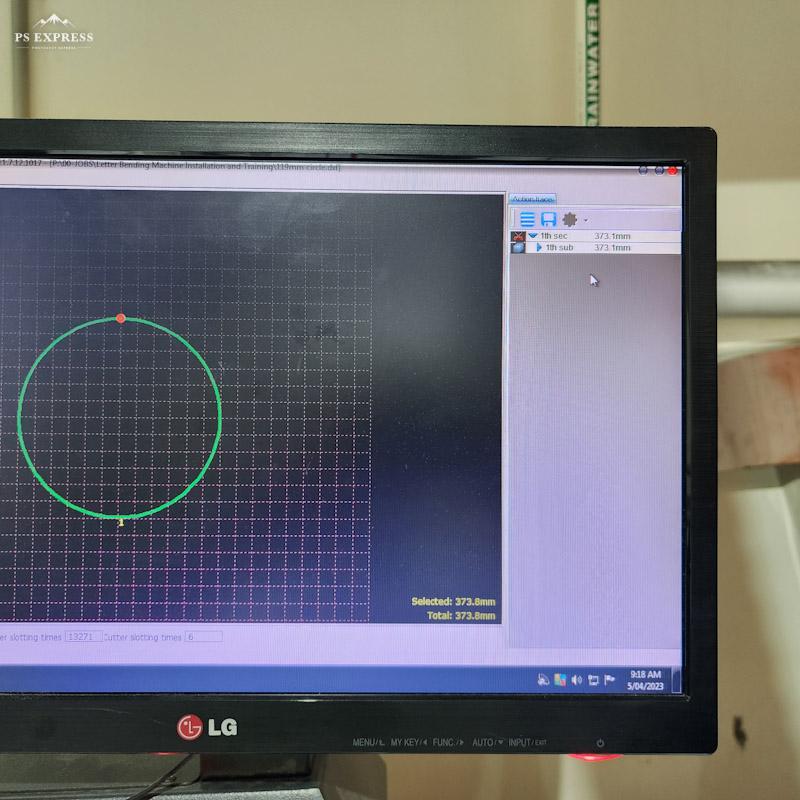
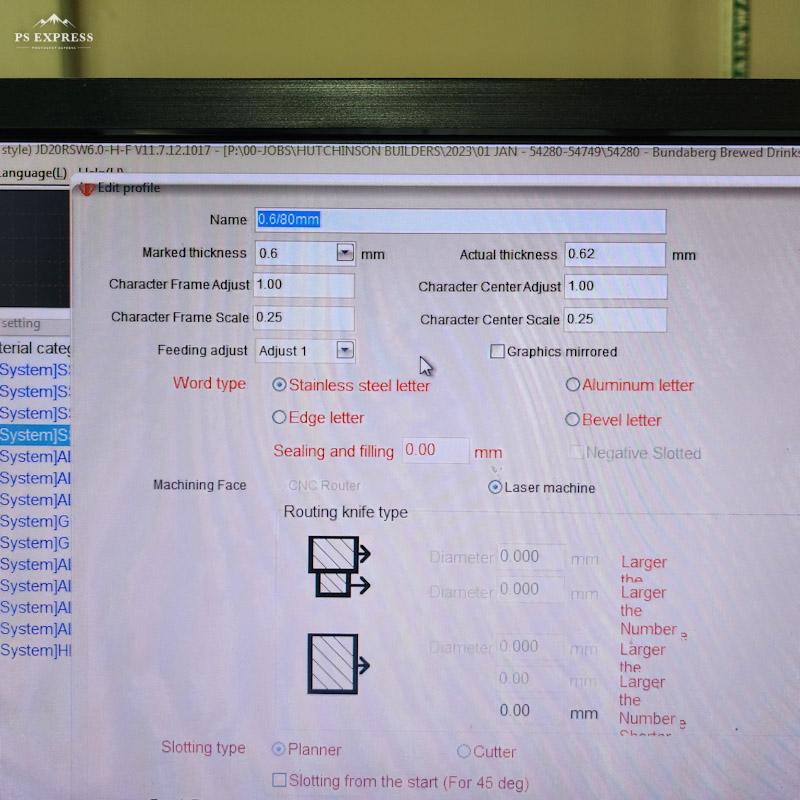
After selecting the inner or outer options, the software will display the calculated processing length. We found a useful scaling option in the material settings, applying a 0.25 scale factor for stainless steel and a -0.25 scale factor for aluminum, both maintaining 80mm returns, to ensure accurate outputs.
Letter Welding Techniques in Our Training
For welding letters effectively, the multifunctional letter bending machine can utilize laser welding or heavy-duty soldering techniques, ensuring at least a 50% tin content for strong, durable welds.